Script templates: Adapt stories for video & audio—automatically
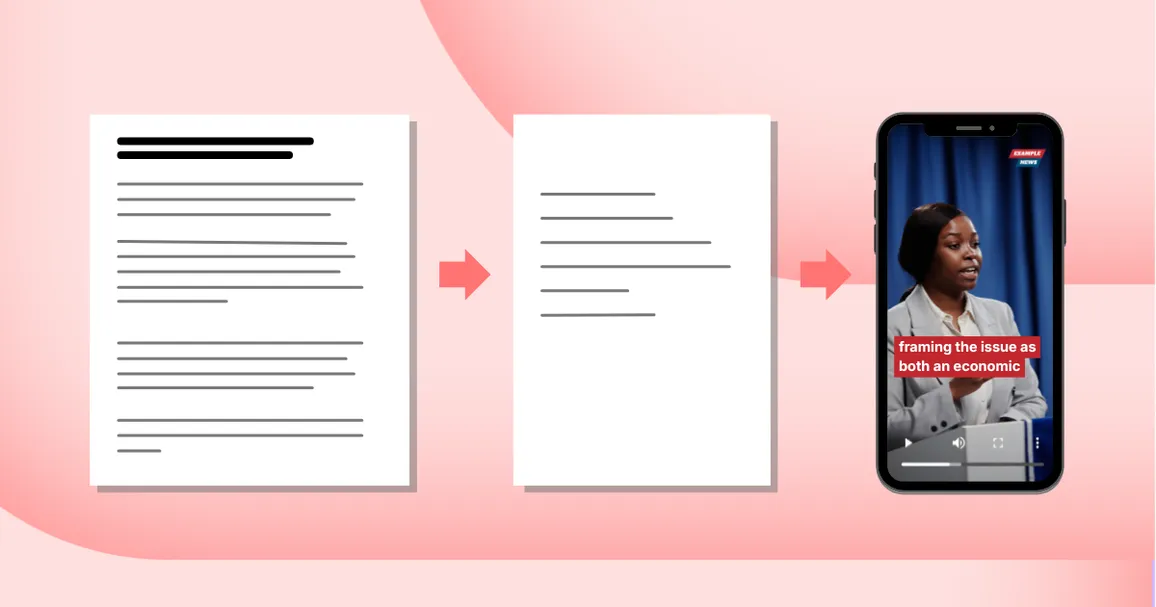
The most engaging videos and audios start with stories tailored to the format.
That’s why we’re introducing script templates.
BeyondWords script templates automatically transform your articles into specialized video and audio scripts, adapting the length, structure, and style to match how people watch and listen.
These scripts then continue through your custom workflow to generate on-brand video and audio.
It’s the easy, effective way to repurpose written journalism for modern audiences.
Use our pre-made storytelling templates
We’ve pre-built a set of script templates you can use straight away.
For instance:
- Summary converts articles into short-form scripts ideal for engaging users who want quick updates on the move.
- Hook and Payoff generates high-impact videos that are great for video feeds and social platforms, where grabbing attention is the first challenge.
- Presenter Voiceover works particularly well when paired with cloned newsroom voices, as it enables warmer, more personable narration across your video output.
All templates are designed to preserve the tone and meaning of the original article, so resulting videos and audios reflect your journalism accurately.
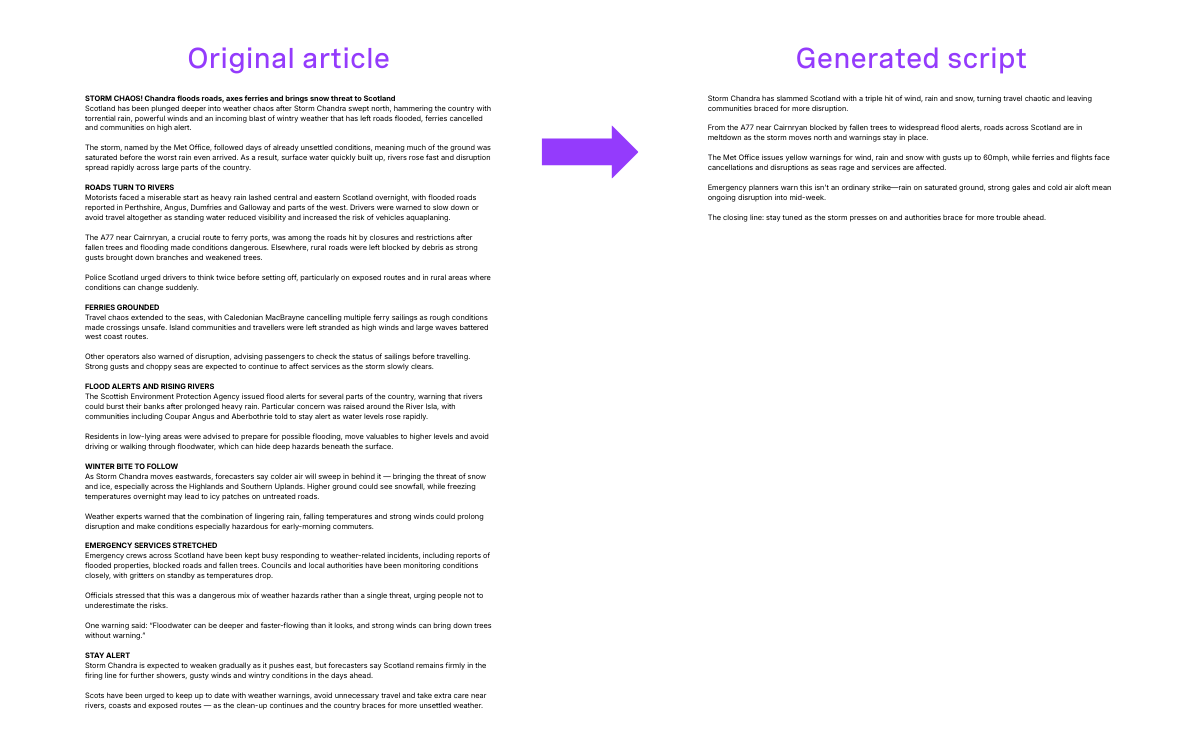
Here’s an example of a 600-word article converted into a video script with BeyondWords:
And here’s what the generated video looks like with custom styling:
You can find the full selection of pre-made script templates—or create your own—in your BeyondWords dashboard.
Create custom script templates
With custom script templates, you can define your own instructions for how articles should transform into audio and video scripts.
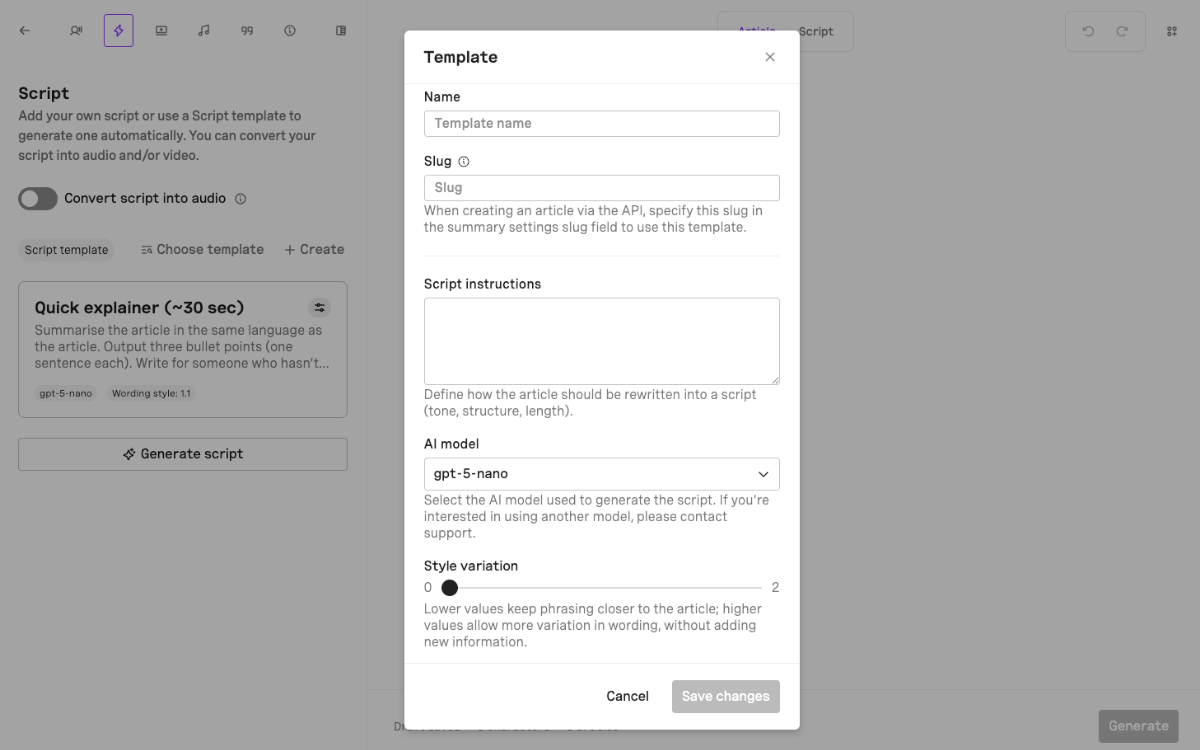
This allows you to:
- align with an existing video content strategy,
- cater to specific video use cases, and
- experiment with new storytelling approaches.
Want to use a different template based on brand, section, or platform? Organize your content into projects and create a template for each.
If needed, you can override the default on a per-article basis.
Start extracting more value from every story
BeyondWords turns articles into format-native video and audio stories at scale. So you can improve engagement, reach new audiences, and boost advertising revenue—without adding work for your team.
Here’s a quick overview of how audio and video automation works:
- Integrate BeyondWords with your website and app
- Choose or create a script template to control how articles are transformed into scripts
- Choose or create a style template to define the visual look of your videos
- Select a voice or create a voice clone for consistent, on-brand narration
- Configure background music, distribution, monetization, and more
- Publish as normal and let audio and video versions appear automatically
Prefer to keep humans in the loop? You can create, review, edit, and manage content through your BeyondWords dashboard.
To see the full workflow in action, book a demo with our team.